



FiLIP IS CHANGING THE WAY
PARENTS AND KIDS STAY CONNECTED


|
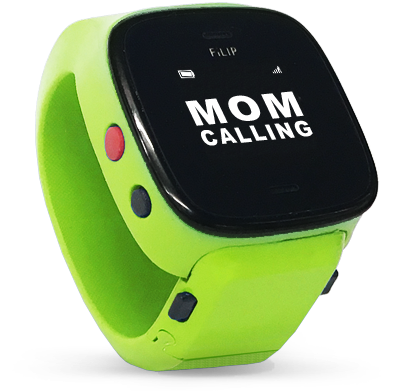
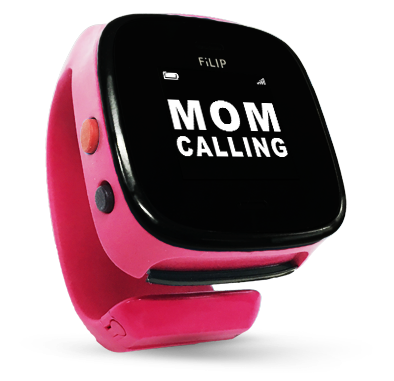
VOICE CALLINGFiLIP can make and receive calls |


|
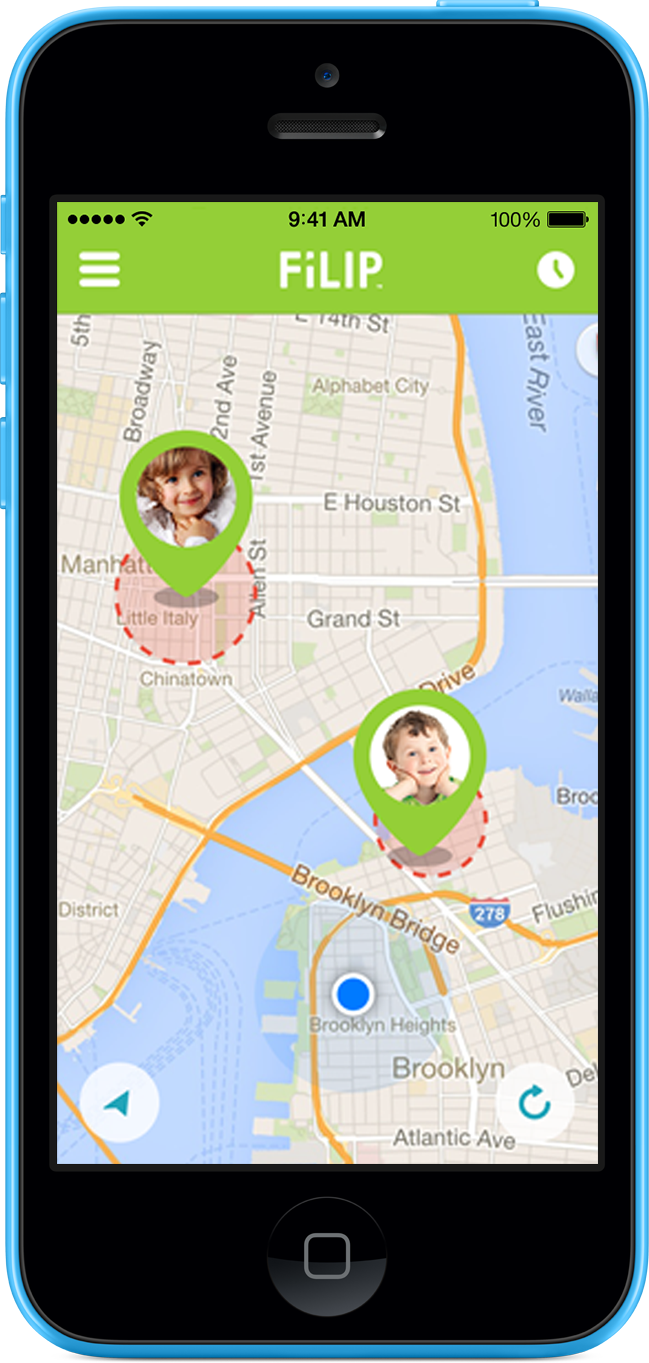
SMART LOCATORLocate your child using a blend of GPS, GSM & WiFi |
So if you play ‘hide and go seek’ with your kids, this is the competitive advantage that you’ve been waiting for!


|
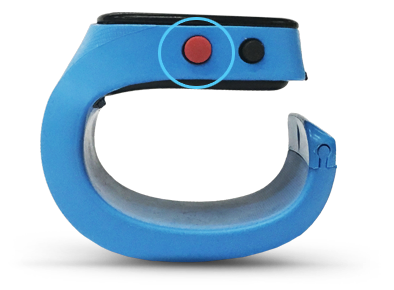
INTELLIGENT EMERGENCYKeep your child safe at a moment's notice |
1. A call to the primary account holder. If there is no answer, FiLIP will call each of the contacts until one of them successfully connects.
2. A recording of the call and background noises.
3. An immediate update of your child’s location, with automatic updates every 60 seconds until the emergency is canceled.


|
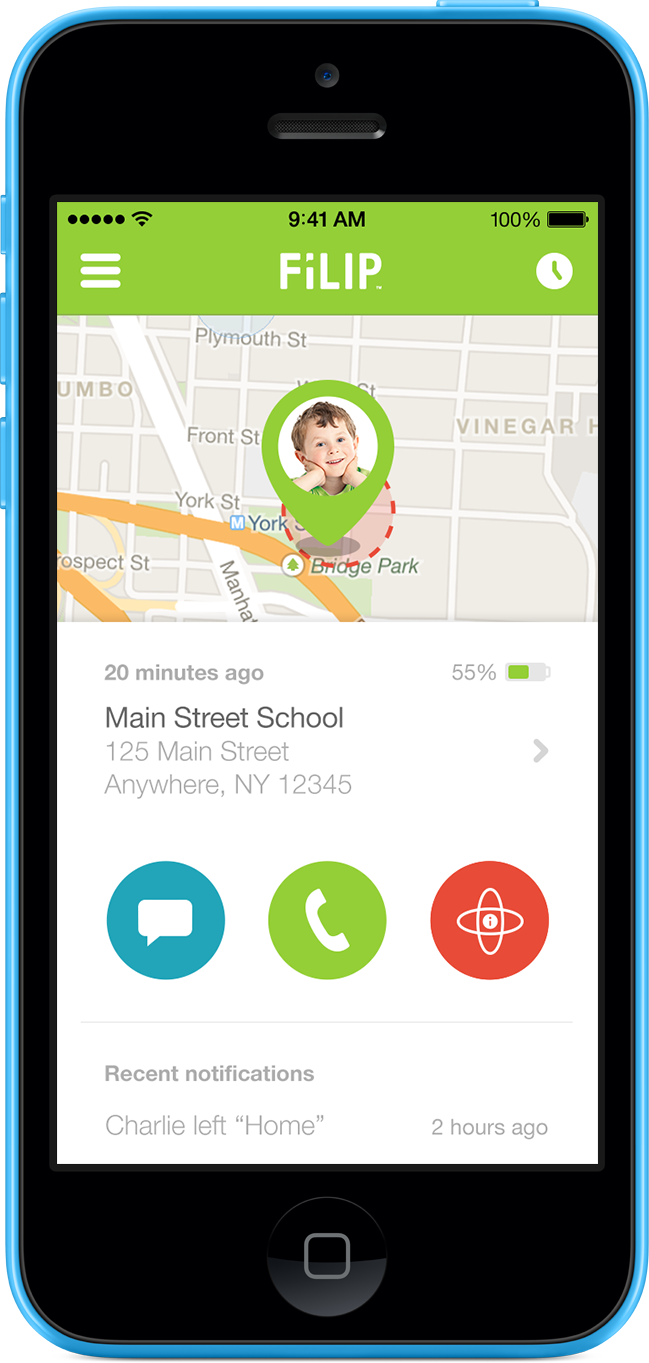
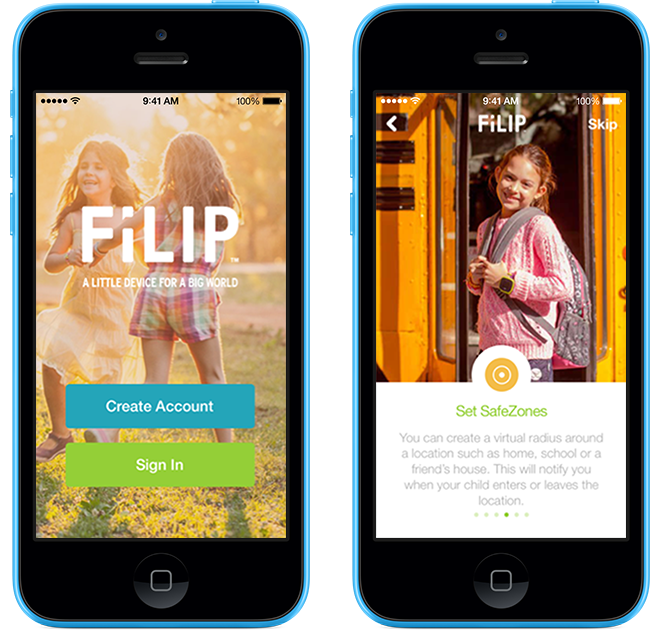
SAFEZONESSet multiple SafeZones for your child |
*Timing of notifications depends on user settings for location refresh.


|
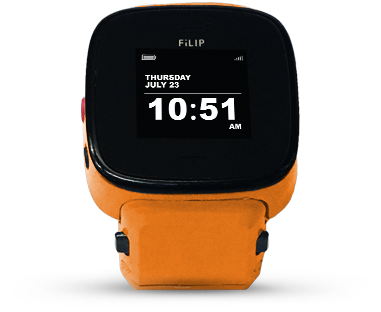
TIME & DATEYes, it's a watch too! |

|
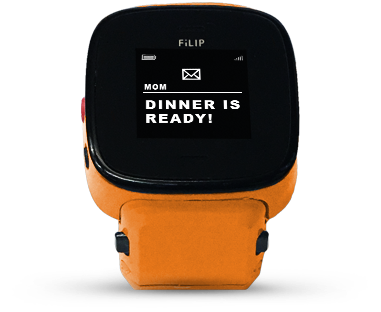
MESSAGINGSend one-way text messages |


|
WEARABLE DESIGNWearable design with a new and improved wristband |
FiLIP Mobile Companion AppFor iOS and Android Users |
The FiLIP app is available in the Apple® App Store and Google Play store.
FiLIP Mobile Companion AppFor iOS and Android Users |
The FiLIP app is available in the Apple® App Store and Google Play store.
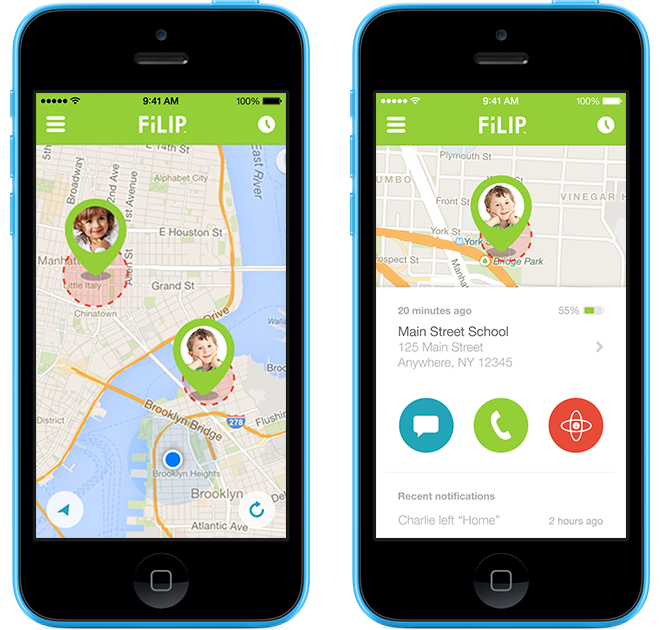
STAY CONNECTED |
STAY CONNECTED |
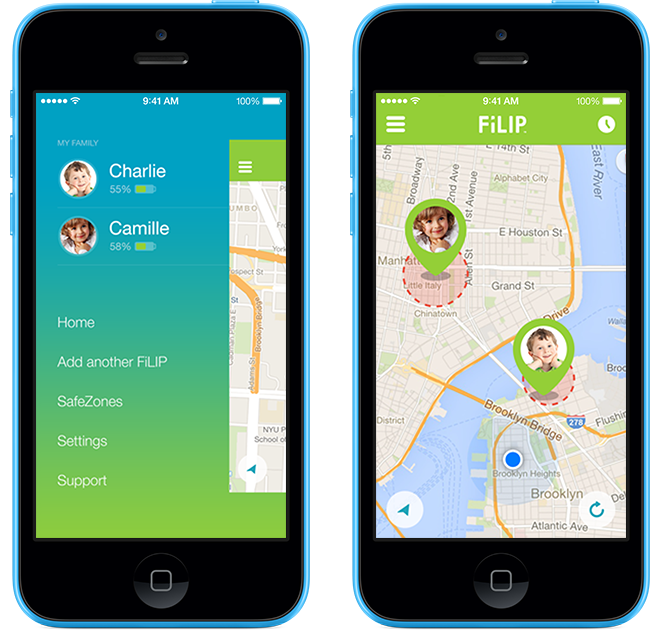
STAY IN CONTROL |
1. Control who your child can call and receive calls from.
2. Set up SafeZones to receive notifications when your child has left or entered certain locations.
3. Adjust the frequency of how often your child’s location is refreshed on the map.
4. Monitor the battery life of your child’s FiLIP.
5. Manage multiple FiLIP devices and much more.
You can even control some of the FiLIP functions remotely, like muting the ringer while your child is at school or turning it off completely.
STAY IN CONTROL |
1. Control who your child can call and receive calls from.
2. Set up SafeZones to receive notifications when your child has left or entered certain locations.
3. Adjust the frequency of how often your child’s location is refreshed on the map.
4. Monitor the battery life of your child’s FiLIP.
5. Manage multiple FiLIP devices and much more.
You can even control some of the FiLIP functions remotely, like muting the ringer while your child is at school or turning it off completely.
SET UP IN 3 EASY STEPS

DOWNLOAD THE APP
Step 1
CREATE A FiLIP ACCOUNT
Step 2